
Control processes
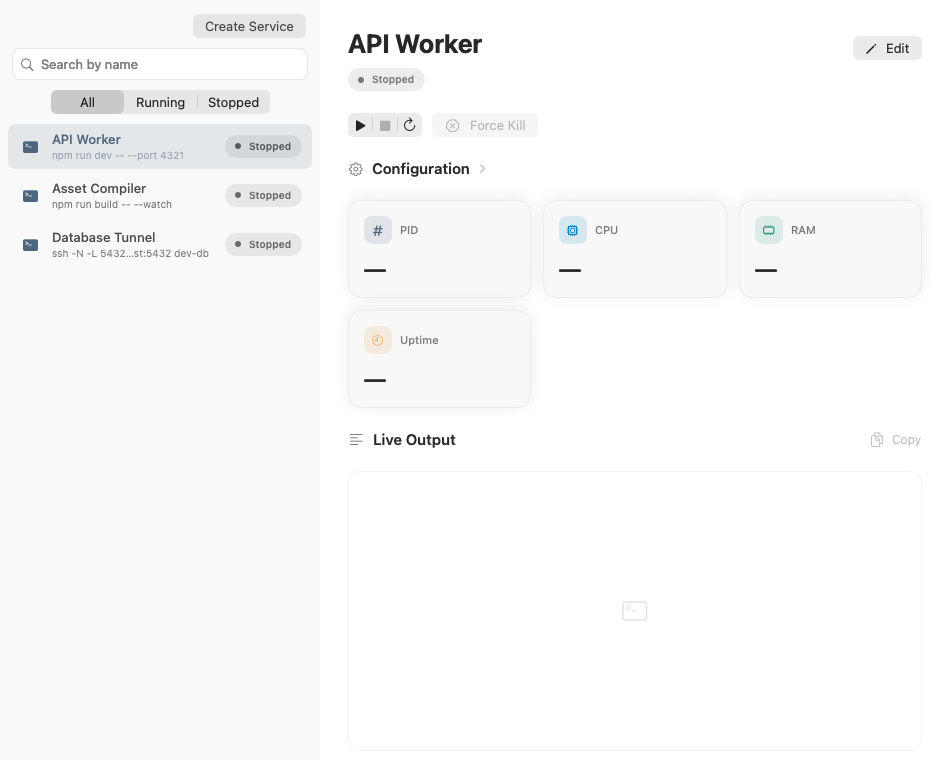
Start, stop, restart, force kill, relaunch, filter, search, and inspect live output.

Native macOS app
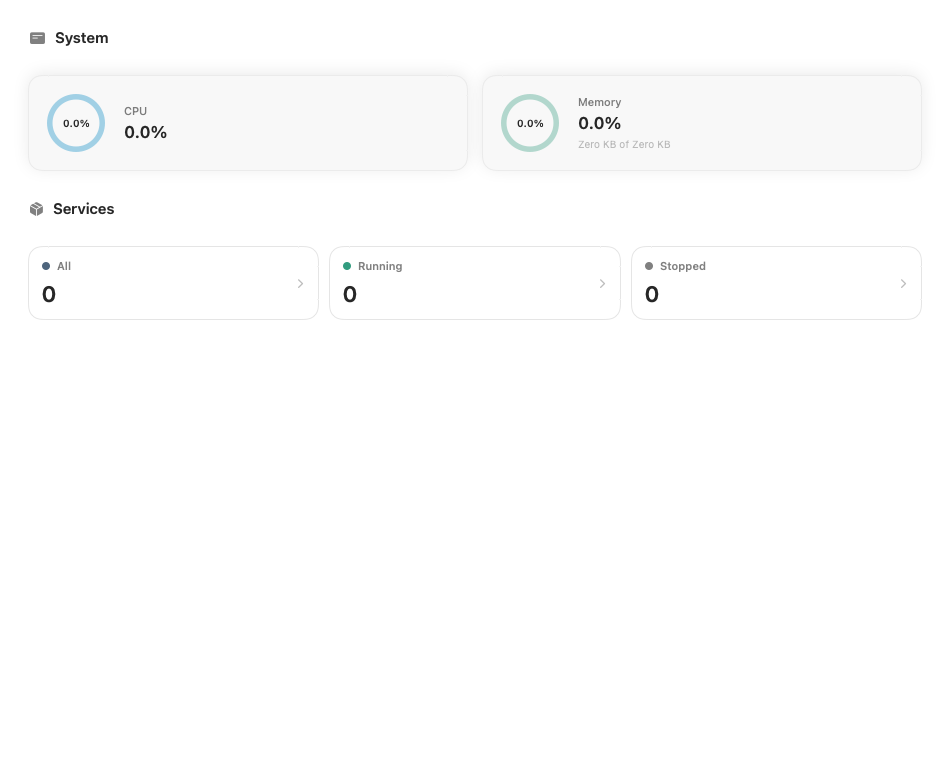
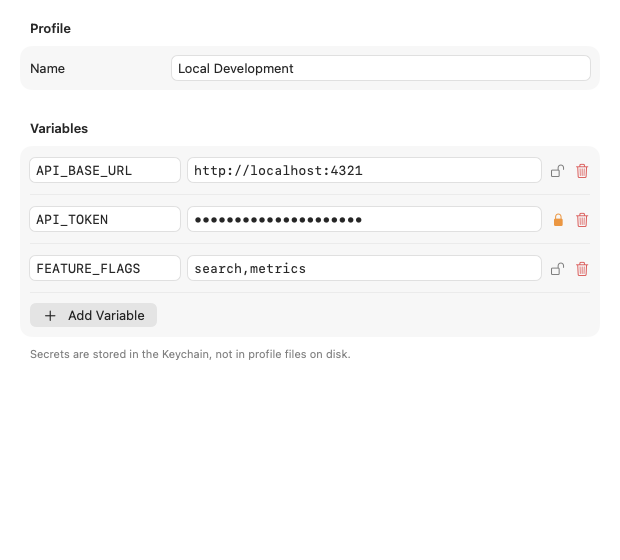
Run and monitor local development services, switch protected environment profiles, and review selected command risks before launch.
Start, stop, restart, force kill, relaunch, filter, search, and inspect live output.
Encrypt selected profile variables at rest and unlock them with Touch ID or your Mac password.
Check commands locally for selected risky patterns before each start or restart.
Local workflows
JipConfig runs shell commands, tracks resource usage and output, and stores its configuration locally so developer workflows stay easy to monitor and restart.
Pre-run command checks
Before every start or restart, JipConfig checks the command locally for selected patterns associated with elevated access, remote code execution, sensitive-file access, persistence changes, and destructive operations.
Know the limit: these checks are pattern-based and may not identify every unsafe command. Warnings require your review, while a limited set of critical destructive patterns is blocked.
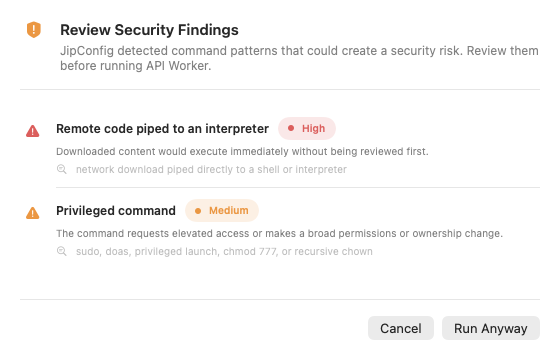
Review matched patterns and severity before deciding whether to run a command.
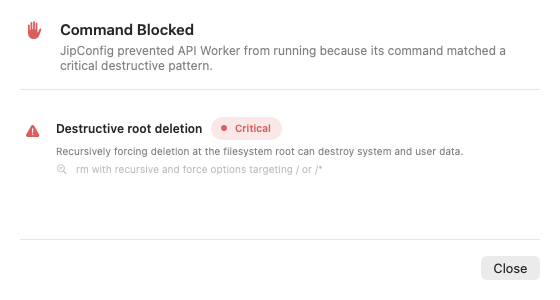
Selected critical destructive patterns are blocked before launch.
Version 2.0
Requires macOS 26 or later.